
What it does
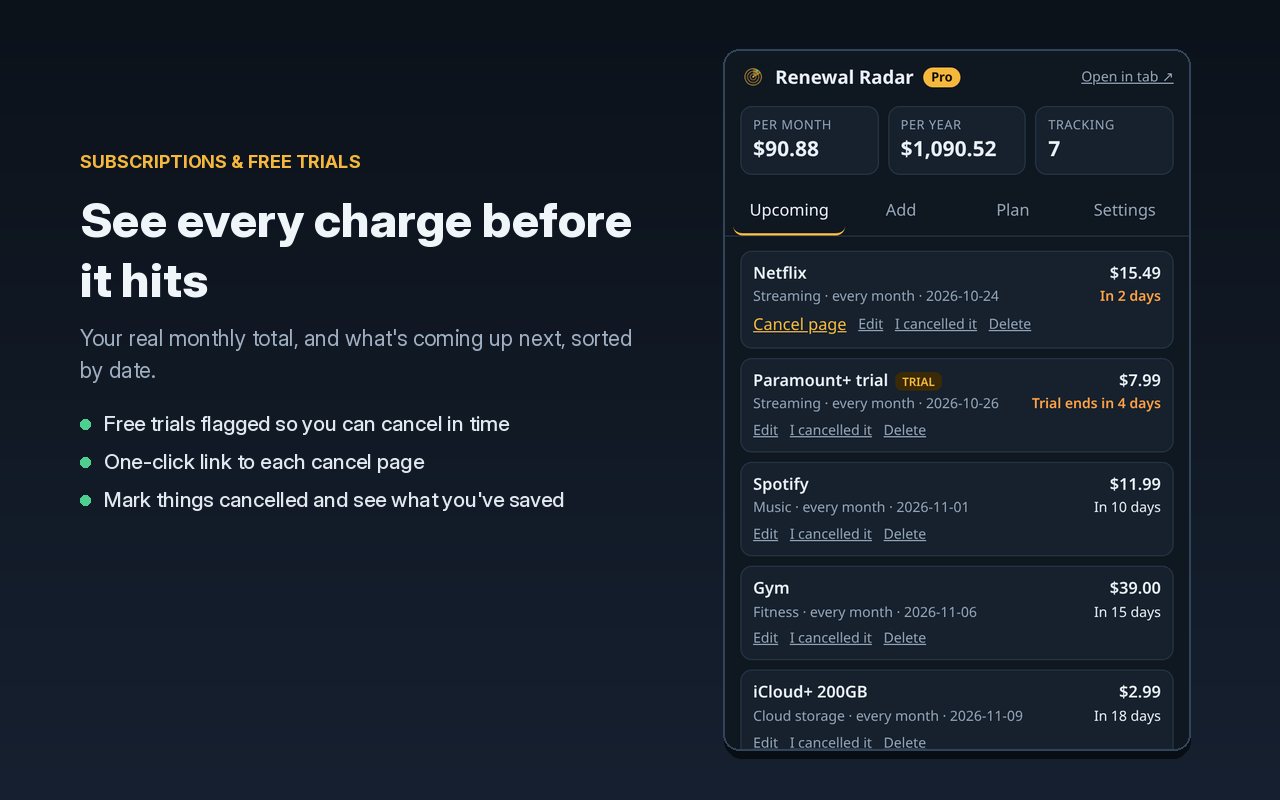
- Adds up what you actually pay. Weekly, monthly, quarterly and yearly charges, turned into one monthly and one yearly number.
- Warns you before money leaves. A notification before each renewal, and before each free trial turns into a paid plan.
- Makes cancelling easy. Save the cancel page link with each item. When the reminder pops up, you're one click away.
- Shows what you've saved. Mark something cancelled and it keeps a running total of what you're no longer paying each year.
Free or Pro
Free
Enough for most people to get started.
- Up to 10 subscriptions and trials
- Monthly and yearly totals
- Trial countdowns and cancel links
- A reminder the day before each charge
Pro: $7 once
No subscription. That would be a bit rich.
- Unlimited items
- Pick your reminders: a week, 3 days, 1 day, day-of
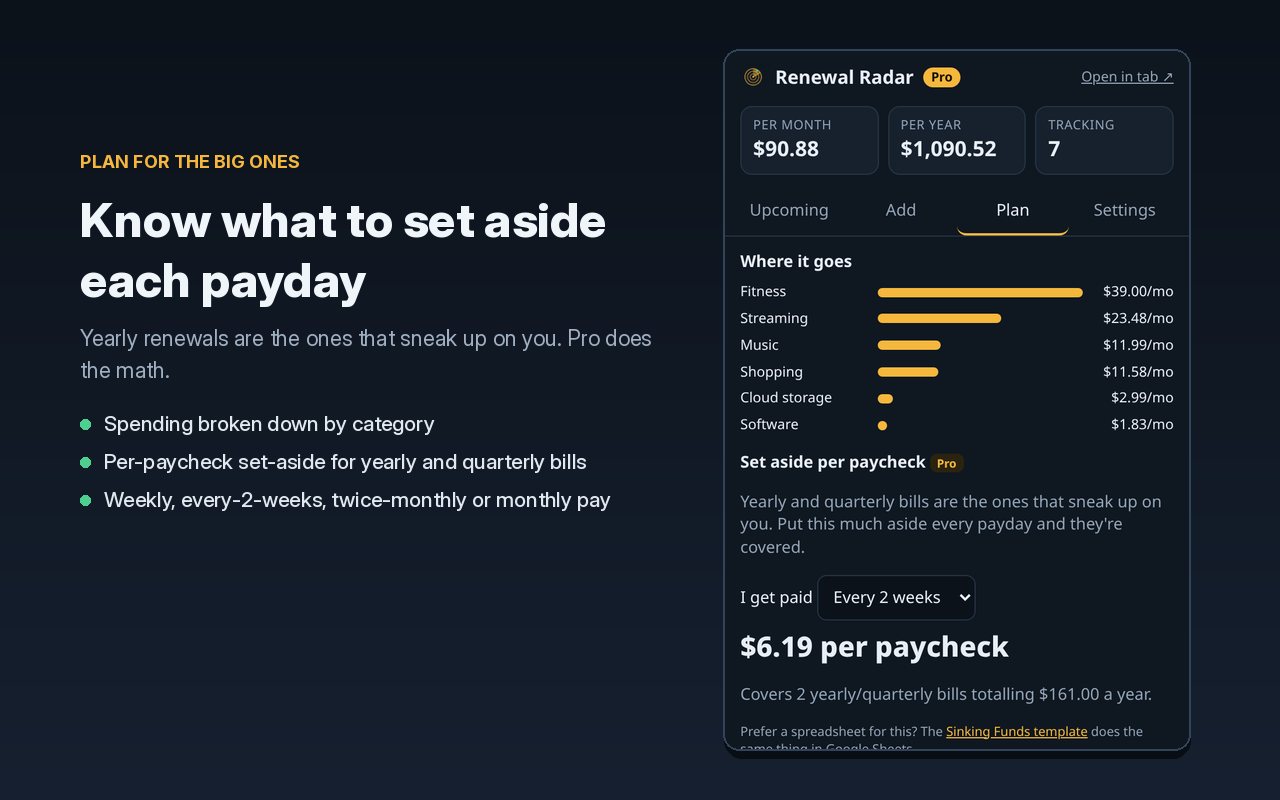
- How much to set aside each payday for yearly bills
- CSV export that opens in Google Sheets
- Backup and restore
Your data stays put
There's no account and no bank login. Everything you enter is saved inside your browser and never sent anywhere. The only time the extension talks to the internet is when you paste a Pro license key, and then it sends just that key to Polar, the store that sold it, to check it's real. Details are in the privacy policy.
Questions
Does it read my email or bank account?
No. You add things yourself. That's a feature: nothing gets access to your inbox or your bank.
Where's my license key after I buy?
In the email Polar sends you right after checkout (check spam if you don't see it), and in your Polar customer portal any time you need it again. Here's how to unlock Pro.
Can I use Pro on more than one computer?
Yes. Paste the same key into Renewal Radar on each browser you use. Your list doesn't sync between them, but you can use Pro's backup and restore to copy it over.
What if I get a new computer?
Back up your list from Settings first, then restore it on the new one and paste your key again.
Something not working?
Email admin@darklighthousesolutions.com and tell us what you're seeing. A real person reads it.
Like doing this in a spreadsheet?
The Sinking Funds template plans for yearly bills in Google Sheets, and the free sinking funds calculator gives you a quick number without installing anything.